Remote work has its perks, but it stretches distances. Your colleagues become names in Slack. Planning a team building activity feels complicated: the facilitator doesn't come to your home, everyone works from a different place, and sending a Zoom link with the words "fun activity" only gets polite no-shows.
The best remote team building activities don't need weeks of planning or a big budget. Here are seven ideas that have proven themselves and create real moments of connection.
1. A creative workshop led by a professional
Hire an outside facilitator (a photographer, illustrator, potter or mixologist) who guides your team live. Each person gets a kit in advance, or makes do with what they have at home. The facilitator demonstrates, the colleagues follow, and in the meantime they talk, laugh at the results and learn new things about each other. Work stays on hold for the length of the workshop. Plan for one to two hours depending on the activity. Book a few weeks ahead to find a good facilitator. Costs depend on the person and the materials you ship, so get several quotes.
2. A team quiz on mixed topics
Split the team into small groups of three or four. Prepare thirty questions on a fun subject (Netflix shows, odd history, company trivia). Each team deliberates on its own, then answers are read out on the video call. Points add up, and the winning team gets a small prize or public congratulations. It takes about 45 minutes. The benefits: little preparation, no real risk, and even the shyest people take part when they're in a small group.
3. A cooking or cocktail challenge
Ask everyone to make a specific dish or drink (a rice salad, a pie crust, a non-alcoholic cocktail) in the half hour before the call. Everyone shows their result on screen, then the team votes for the most appetizing one. It's simple, light and sparks plenty of laughter ("Wait, did you burn it?"). The rules can be strict (follow the recipe exactly) or chaotic (use at least three bizarre ingredients). Plan an hour including the discussion. It costs almost nothing: everyone cooks with what they have.
4. An online escape game: forced collaboration
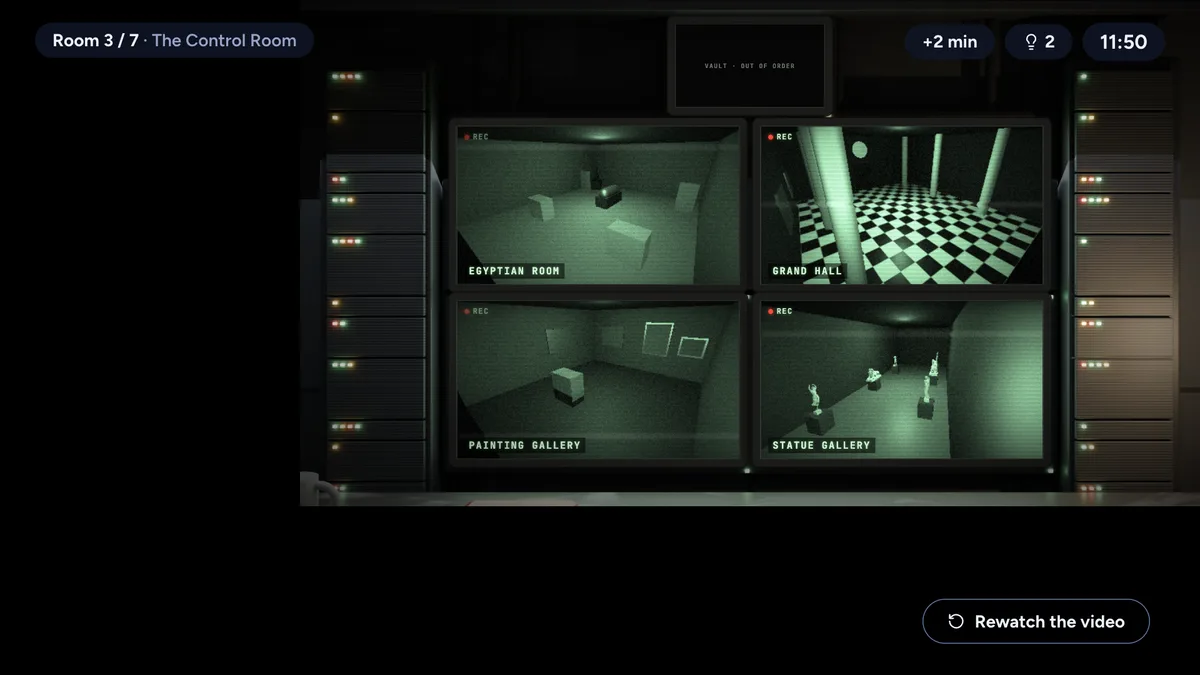
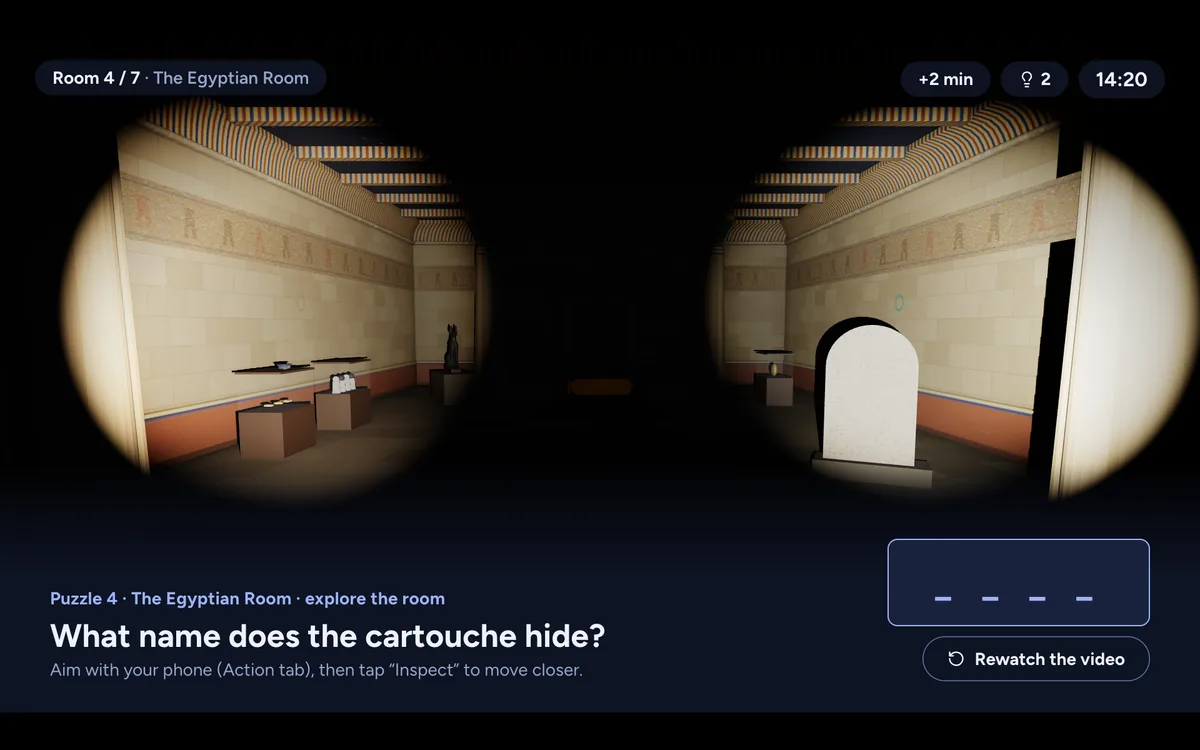
A remote escape game works because it forces people to communicate. In the best games, each player receives clues that the others can't see. To move forward, you have to describe clearly what you found, listen, and think together. There's no way to stay silent behind a screen.
Games usually have two to six players. For a bigger team, form several groups, each with its own game and its own call (Teams, Zoom, Meet), then compare times at the end. Depending on the provider, a facilitator may run the game over video, or the game may be self-contained. Plan for one to two hours. To compare formats, see our comparison of escape games at home.
5. A quick role-play or improv session
Give each player a ridiculous role (the CEO who knows nothing, the overeager intern) and an impossible situation: everyone is stuck in an elevator during a storm. The scene lasts ten minutes, goes in every direction and ends in applause and laughter. There's no preparation, as long as everyone agrees to look a little silly. It's perfect for teams that already know each other well. Plan 45 minutes. It costs nothing but imagination.
6. A session with an internal expert: an informal Q&A
Instead of a classic lecture, invite someone from another team or from a related field. Skip the slides and keep it conversational. "How did you get to where you are?" "What would you do differently in marketing now?" The questions come naturally. It feels like a real conversation, not a seminar. Plan one to one and a half hours. It costs nothing if the speaker is internal.
7. A scavenger hunt or homemade challenge
Each player gets the same list: a red mug, a black pen, a photo of yourself from five years ago, something that makes you laugh. The first person to send a photo (in the chat or by holding it up to the webcam) scores a point. It's absurd, it takes 20 minutes, and it's a lot of fun. For the most motivated, add creative challenges: take a selfie upside down, do a five-second dance, build something that doesn't exist. It costs nothing, because everyone has what they need at home.
Common mistakes with remote team building
Before you choose, here is what doesn't work. "Informal" Zoom meetings where everyone is asked to share their weekend: people stop showing up. Quizzes about company procedures: they're dull, and they exclude newer hires who don't know twenty years of internal history. Video calls where someone lectures: that isn't team building, it's a meeting in disguise. Activities that force someone into the spotlight or make them sing karaoke alone in front of 30 people: many refuse, and that creates tension.
The real trap is confusing "spending time together" with "being productive together." Team building doesn't need a deliverable. Playing, laughing, and finding out that a colleague also loves the weird shows you secretly watch: that's what brings a team closer.
How to choose for your team
A few things show up in every activity that works. First, communication: the more an activity makes people talk, the more it brings the team together. Simply watching a film together creates no real dynamic. Second, a bit of silliness: if everyone is trying to look smart or competent, the fun evaporates. The best activities are the ones where someone eventually says, "Okay, this is a total failure," and everyone laughs about it. Third, length: beyond two hours, tiredness wins, even among the most motivated.
External facilitators (workshops, experts) cost more but create a real break from the day. Games and challenges cost nothing, but they need a team willing to be surprised. Remote escape games sit between the two: a clear structure, no facilitator, real collaboration, and a controlled cost.
Want more details on the formats available? The pricing page explains the cost, and the FAQ answers practical questions. You can also read our full guide on how to host an escape game at home. For more team building ideas, see our team building section.
Escape & Chill (we make it)
We make Escape & Chill, an escape game with no facilitator, played at home: each colleague follows the room on their own screen and keeps their phone for secret documents. The first game, After Hours at the Museum, is for 1 to 4 players per game. The organizer creates one game per group from their account and sends a link to each person. The other players pay nothing. The first room is free, which makes it an easy way to check whether the format suits your team.
What we saw in testing. In mid-October 2026, during our first test sessions, three teams of two finished After Hours at the Museum in 1 hour 25 minutes, 1 hour 40 minutes and 2 hours 24 minutes, asking for between 4 and 9 hints. Plan two hours on the calendar, not one. See also our ideas for a virtual happy hour and our tips for playing remotely with friends.